

3.1 Jan 14, 2026
# Import and export contacts in this app.
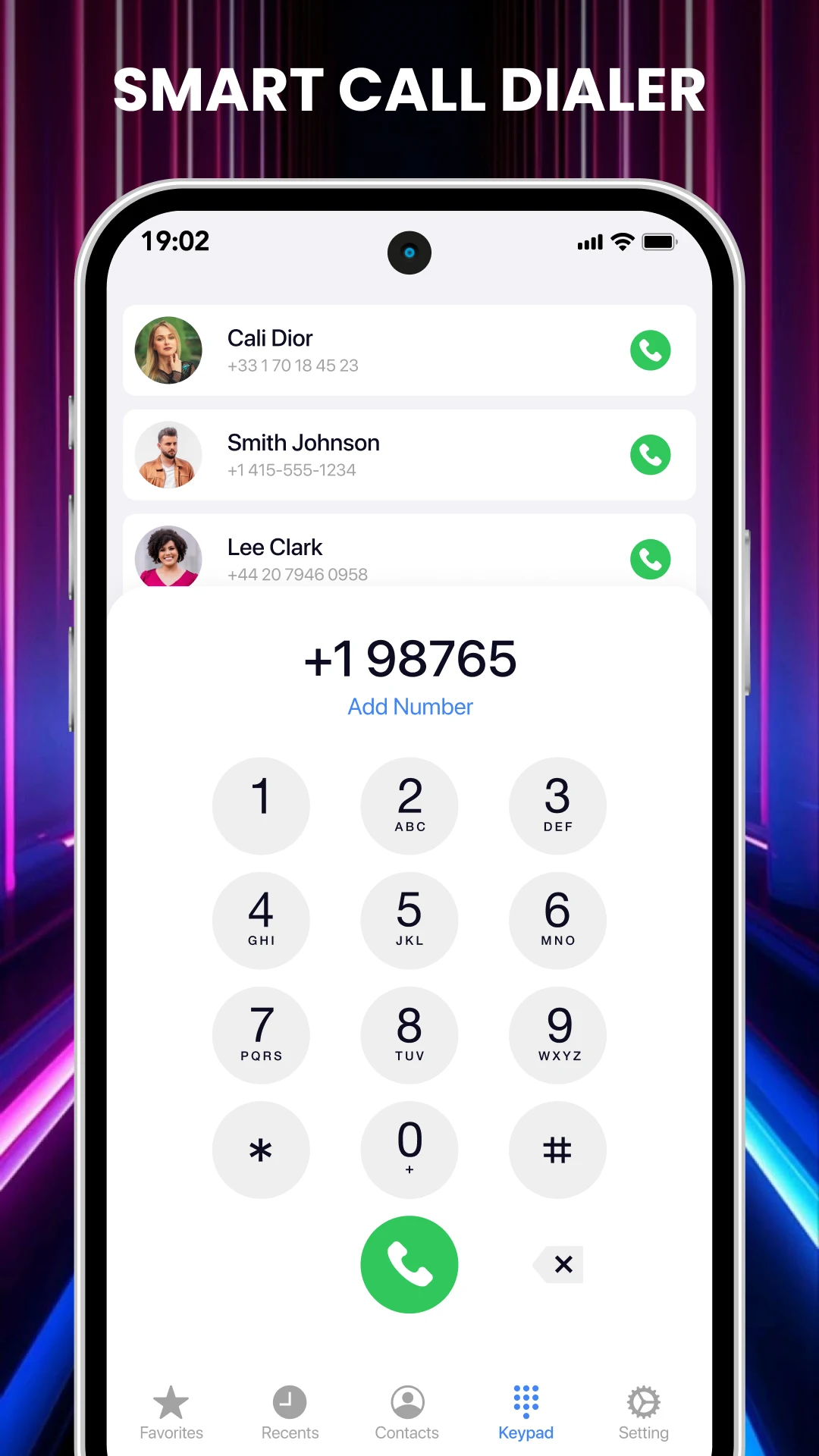
# Dial number manually & dial the number through speech recognition technology.
# Select a particular image size like a square,3:4,4:3,9:16, 16:9, 7:5, free, circle & circle square.
# You can get all the contacts in this app that are saved on your phone.
# Set a custom ringtone for the contacts.
# Call settings, SMS settings, audio settings can be done by app settings.
# Activate the flash alert for an incoming call & deactivate alert for an incoming message.
# You can block any contact numbers in this app
# Add the widget from this app.
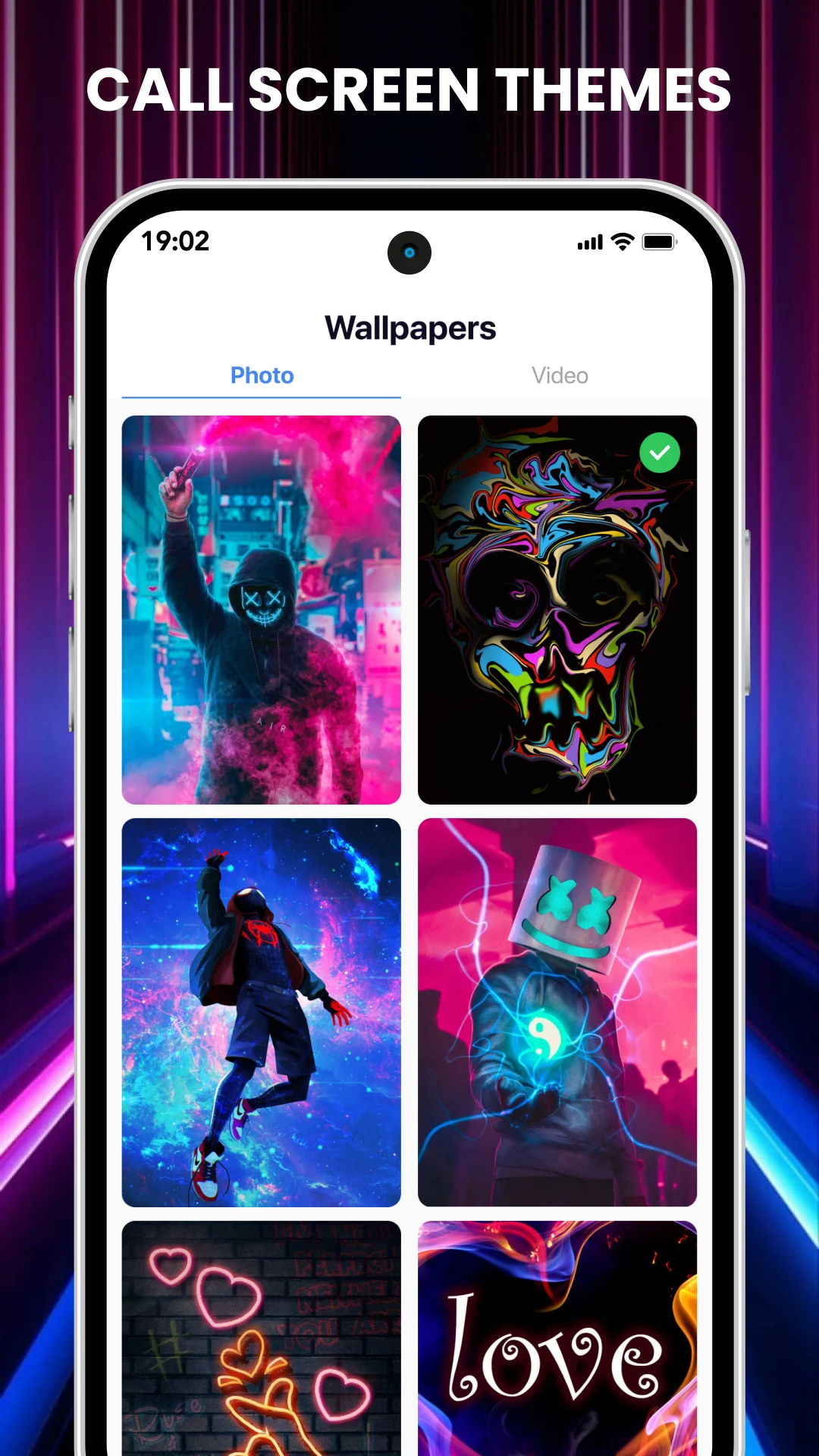
# Change the background image that is default or you can choose from your phone gallery
# You can choose your contact photo from your phone gallery in this app.
# You can put a contact photo by taking a photo from the phone camera.
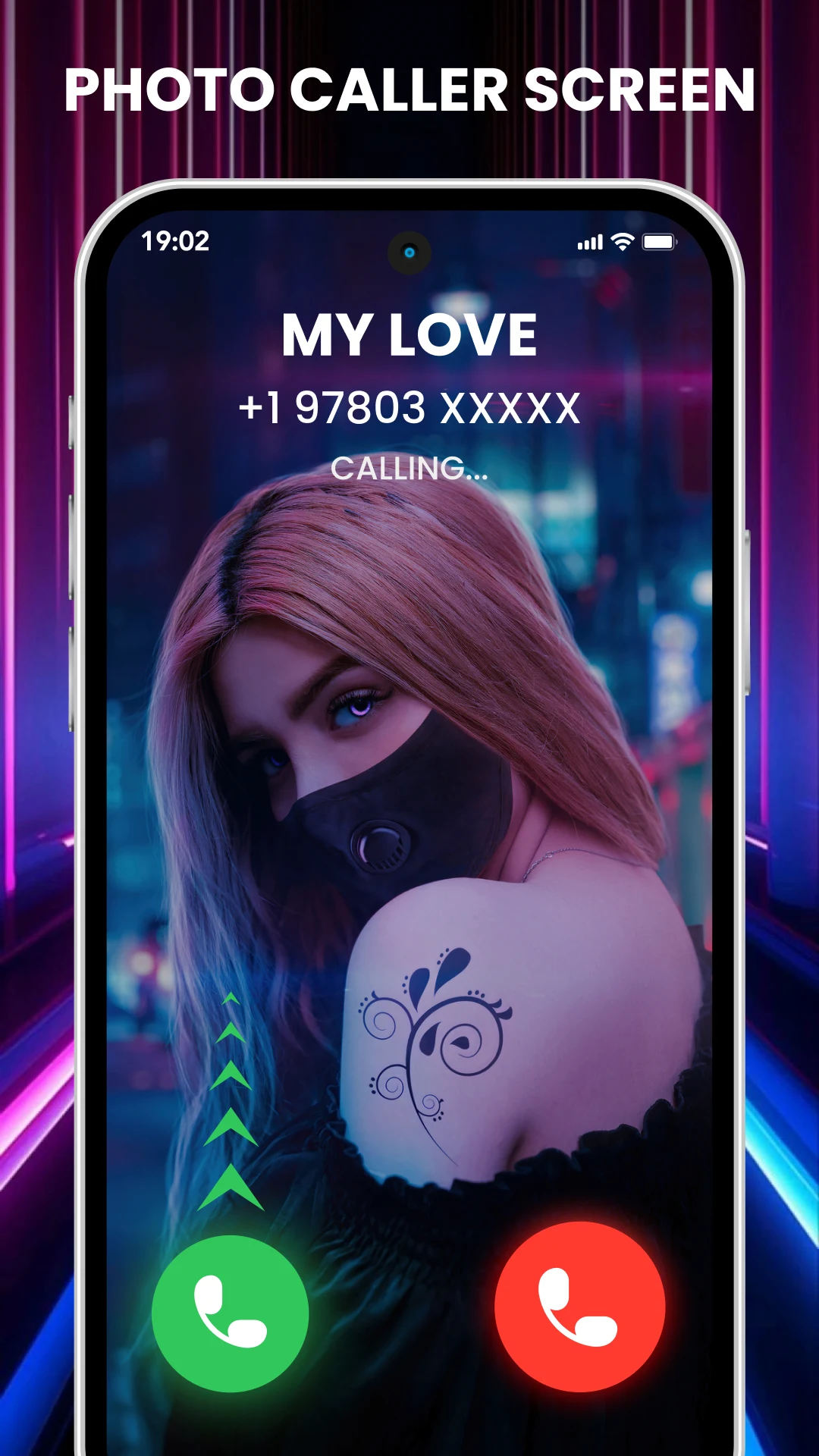
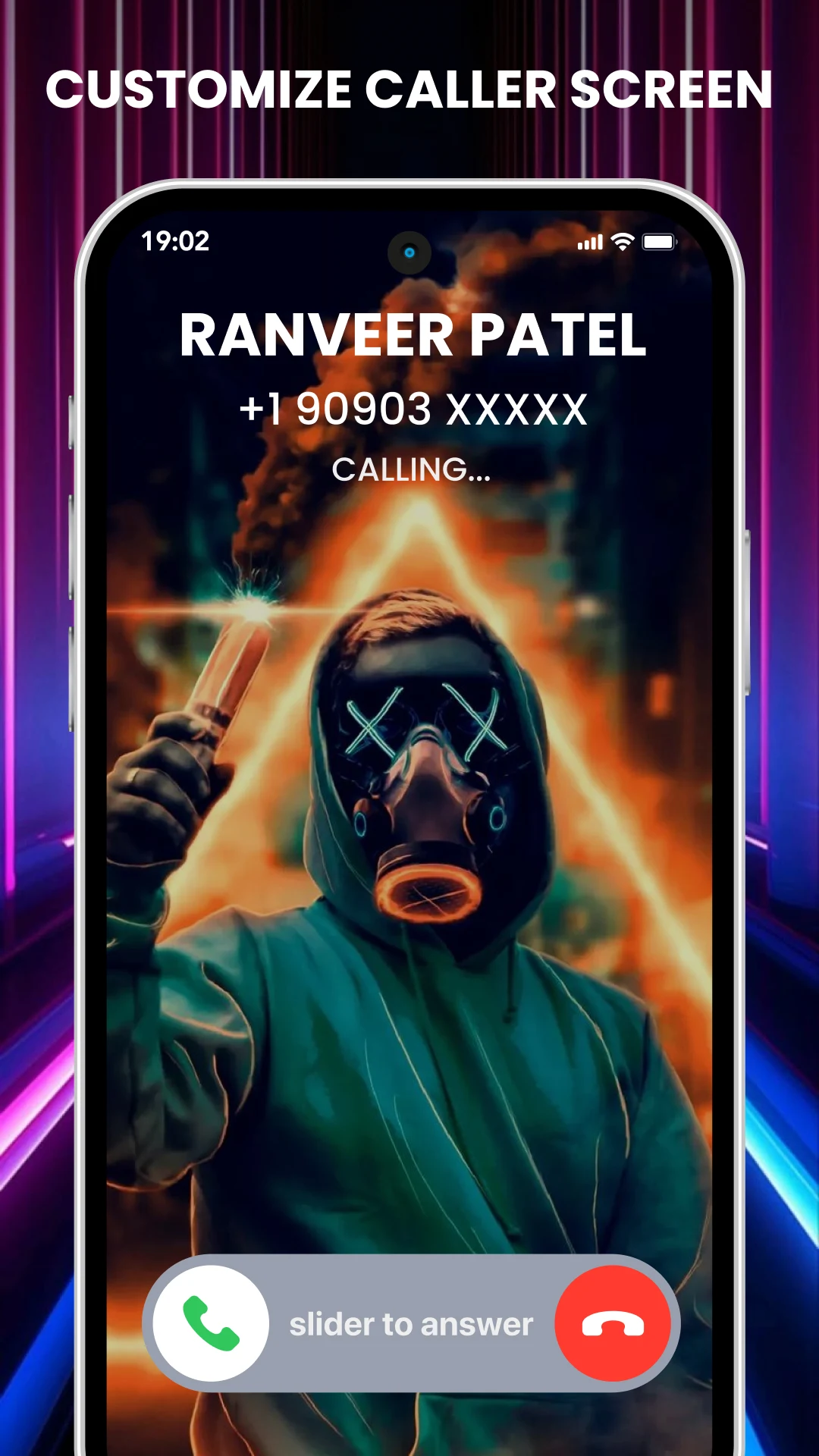
The Full Screen Caller ID app allows you to display a person's photo or image in full screen when they call you. You can select images from your camera or gallery to set for specific contacts. This feature enables you to showcase your friends' photos during incoming calls, making the experience more personalized. The app can also be used for outgoing calls, SMS, and emails. Additionally, you have the option to apply different effects or themes to your chosen caller images.
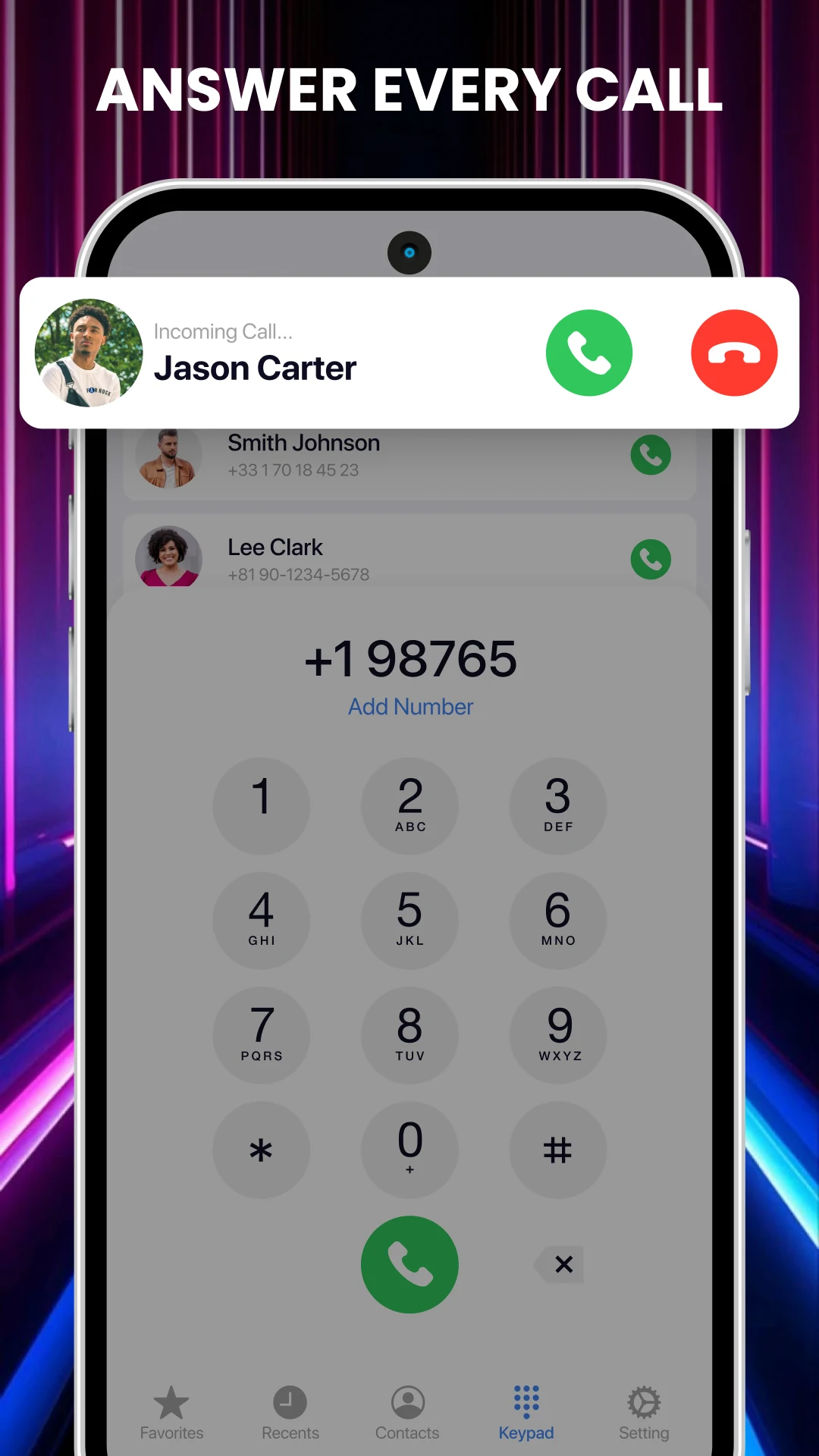
The Photo Caller Screen - Full Screen Caller ID app transforms your caller ID experience by displaying full-screen images for incoming and outgoing calls instead of the standard small images. Here are some of its key features:
Full-Screen Incoming Caller Photos
Replace the default caller ID with full-screen images.
Customizable Calling Screen
Change the calling screen display according to your preferences.
Flashlight Alerts
The app includes a flashlight feature that activates during incoming or outgoing calls, as well as for SMS notifications, enhancing visibility in various environments.
Full-screen images for incoming calls, outgoing calls, missed calls, and messages
Ability to customize or change the caller screen display
Various flash alert modes for incoming calls
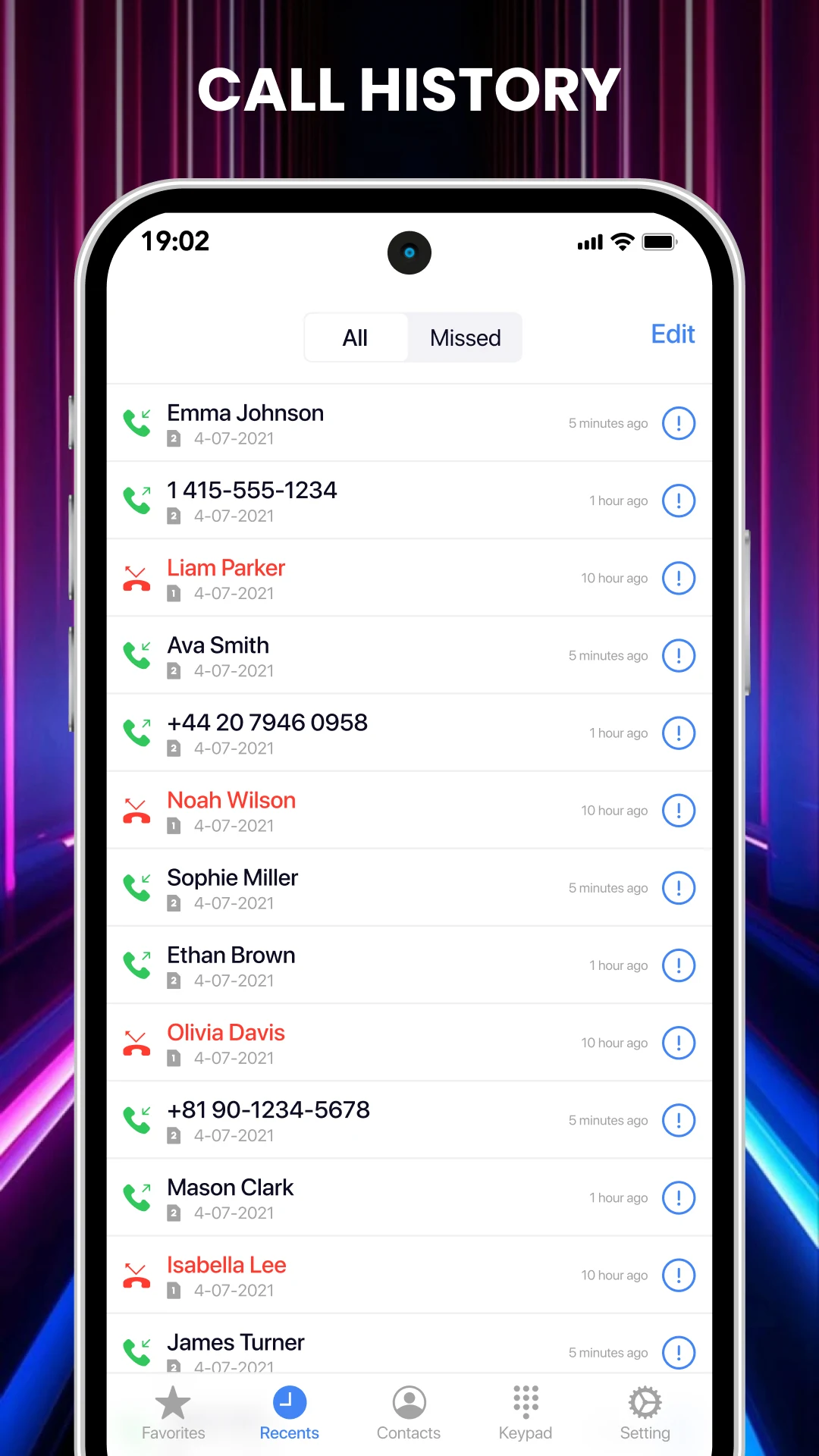
Record logs of rejected numbers and block blacklist numbers
Backup feature for contacts and call history
Easy access to your contact list during ongoing calls
Full-screen dialer call themes specifically designed for Android
Full-screen notifications for both incoming and outgoing calls
Offline functionality, allowing you to perform actions without needing an internet connection
In summary, the Photo Caller Screen - Full Screen Caller ID app provides an enhanced calling experience by delivering visually appealing, full-screen images and a variety of features to customize how you manage calls and alerts.







![[Substratum] Valerie MOD APK](https://img.youxi500.com/s1/16/59/01a453807d25e5431f7ceeca733d3c29.png)

Lightning Launcher MOD APK
Wallbyte MOD APK
Fonts - Fancy Fonts Art MOD APK
Widepaper - Desktop Wallpapers MOD APK
Shortcut Manager - Pin shortcuts @ home screen MOD APK
Prism Live Wallpaper MOD APK
[Substratum] Valerie MOD APK
Fonts: Stylish Text Cool Fonts MOD APK

Luminous - Poweramp Skin MOD APK

YOUR Widgets: Widgets & Walls MOD APK

Madness Substratum Theme MOD APK

Real3D - Icon Pack MOD APK

Lime Launcher - Minimal & fast MOD APK

Nothing Widgets MOD APK
Theme Hub for KLWP Vol 1 MOD APK

Pixel Icons MOD APK

Gento S - Android 12 Icon Pack MOD APK

iCenter Control Style MOD APK
OLED Wallpapers PRO MOD APK
Rotation Control Pro MOD APK